

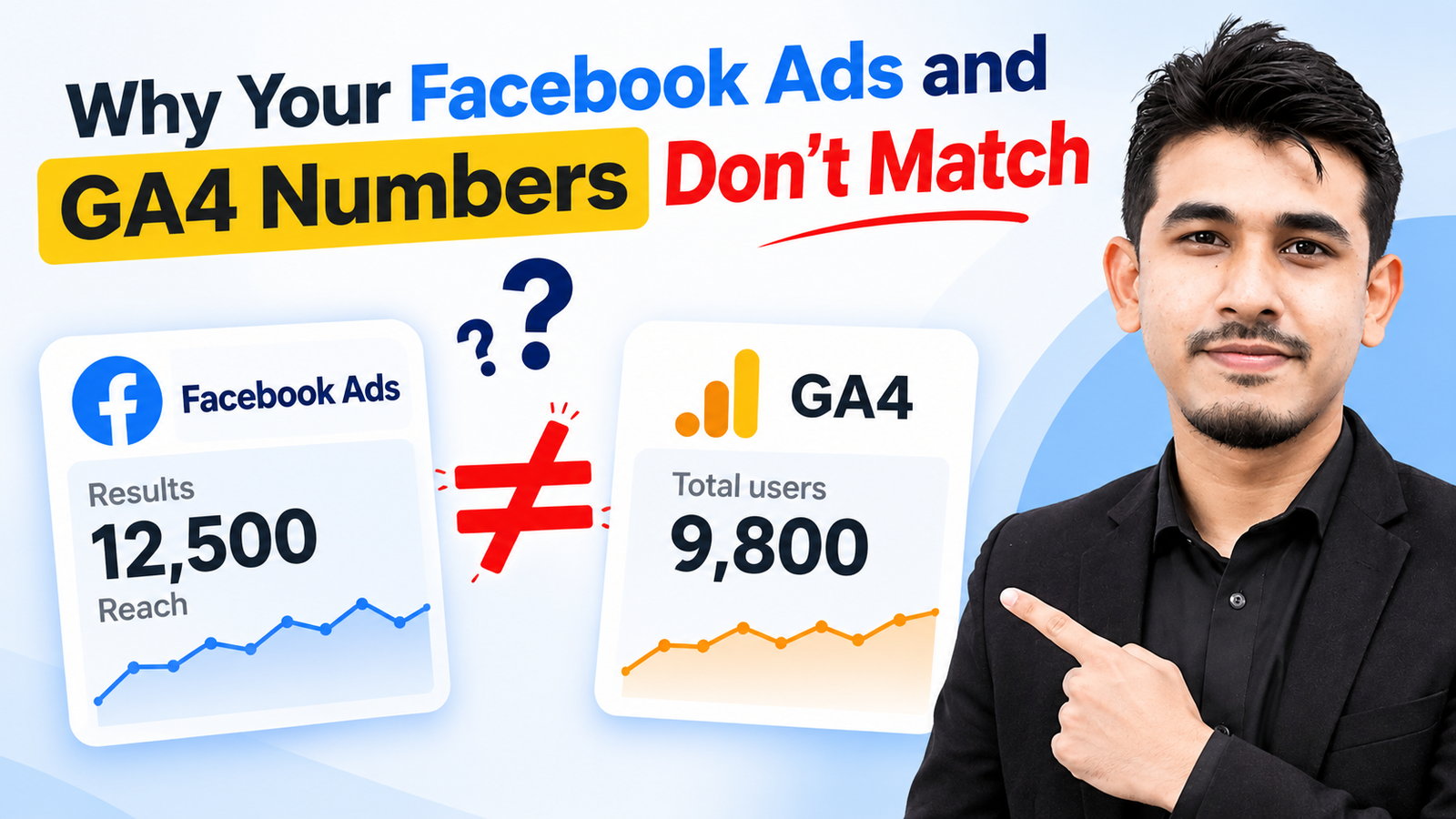
Facebook Ads and GA4 numbers don’t match because they measure different things in different ways. Meta counts conversions based on ad interactions (including views) using its own attribution window. GA4 counts sessions and conversions based on website visits, using a data-driven or last-click model. Differences in attribution, tracking methods, privacy restrictions, and setup errors all create a gap. A 10-20% difference is normal. A gap above 30% usually signals a tracking problem.
If you run Facebook (Meta) Ads and check GA4 afterward, you’ve probably seen this: Ads Manager reports 150 purchases, GA4 shows 90, and your Shopify or WooCommerce dashboard says something else entirely. Which one is right?
None of them is “wrong.” Each tool answers a different question. This guide explains why the numbers differ, how to diagnose your specific gap, and how to set up tracking so you can trust your data.
Quick Answer: Facebook Ads vs GA4 at a Glance
| Factor | Facebook (Meta) Ads | GA4 |
|---|---|---|
| What it measures | Ad-driven actions | All website traffic and events |
| Attribution model | Meta’s own (7-day click, 1-day view by default) | Data-driven (default) or last-click |
| View-through conversions | Counted | Not counted |
| Conversion date | Date of the ad interaction | Date the conversion occurred |
| Data source | Meta Pixel and Conversions API | GA4 tag, GTM, or gtag.js |
| Affected by ad blockers/iOS privacy | Yes (modeled data fills gaps) | Yes (consent mode modeling) |
| Cross-device tracking | Strong (logged-in users) | Limited |
9 Reasons Facebook Ads and GA4 Numbers Don’t Match
1. Different Attribution Models
This is the biggest cause. Meta credits itself with a conversion if someone clicked your ad within 7 days or viewed your ad within 1 day, then purchased. GA4 typically credits the conversion to whichever channel gets credit under its model, which may be Direct, Organic Search, or Email.
Example: A customer clicks your Facebook ad on Monday, then searches your brand name on Google and buys on Thursday. Meta reports a Facebook conversion. GA4 may report it as Organic Search or Direct.
2. View-Through Conversions
Meta counts people who saw your ad but never clicked, then converted later. GA4 only tracks visits to your site. No click, no session, no GA4 credit. If you run a lot of video or awareness campaigns, this gap grows.
3. Different Attribution Windows
Meta’s default is 7-day click and 1-day view. GA4’s lookback window for conversions is typically 30 days for acquisition events (and 90 days for others), but it assigns credit by its own rules. The same purchase can land in different reports on different dates.
4. Clicks vs. Sessions
Facebook reports link clicks, but not every click becomes a session. Users close the page before it loads, double-tap, or bounce from a slow site. GA4 only records a session once the tag fires. A large clicks-to-sessions gap often points to a slow landing page.
5. Missing or Broken UTM Parameters
Without proper UTMs, GA4 may classify your Facebook traffic as “Direct,” “Referral” (l.facebook.com), or “Unassigned.”
Use a consistent UTM structure in every ad:
?utm_source=facebook&utm_medium=paid_social&utm_campaign={{campaign.name}}&utm_content={{ad.name}}Use Meta’s dynamic URL parameters so naming stays consistent. Remember that GA4 channel grouping is case-sensitive, so “Facebook” and “facebook” can split your data.
6. Pixel-Only Tracking and Browser Privacy Limits
Ad blockers, Safari’s ITP, iOS App Tracking Transparency, and browser tracking prevention block browser-side pixels. If you only use the Meta Pixel, you lose a portion of conversions. The same applies to GA4’s browser tag.
Fix: Use Meta’s Conversions API (CAPI) alongside the pixel, ideally through server-side GTM, so events send from your server rather than the user’s browser. Make sure to deduplicate with a shared event_id.
7. Duplicate or Double-Firing Events
If the Pixel or GA4 purchase event fires twice (page refresh on the thank-you page, or both a plugin and GTM firing), numbers inflate. This is especially common on WooCommerce and Shopify stores that use both an app and manual tags.
8. Consent Banners and Cookie Settings
If you use a cookie consent banner (common for US sites with CCPA compliance and for EU traffic), users who decline tracking won’t be counted in GA4 unless Consent Mode is configured. Meta’s behavior depends on your pixel consent setup. Mismatched consent configuration between the two tools creates uneven data.
9. Time Zone and Reporting Date Differences
Meta reports conversions on the date of the ad impression/click, while GA4 reports them on the date the conversion happened. If your Meta ad account and GA4 property use different time zones, daily numbers will never line up. Always compare longer date ranges (7-30 days), not single days.
How Big a Difference Is Normal?
| Gap | What it usually means |
|---|---|
| 0-15% | Normal. Different attribution and tracking methods |
| 15-30% | Acceptable, but review UTMs, CAPI, and attribution settings |
| 30%+ | Likely a tracking error (missing events, duplicates, broken UTMs) |
| GA4 higher than Meta | Often means Meta is under-tracking (no CAPI) or GA4 is over-crediting |
How to Diagnose Your Facebook Ads vs GA4 Discrepancy (Step by Step)
- Align your settings. Match date ranges and time zones. In Ads Manager, switch the attribution setting to 7-day click only for a fairer comparison to GA4.
- Check your UTMs. In GA4, go to Reports → Acquisition → Traffic acquisition and look for
facebook / paid_social. If you see large “Direct” or “Unassigned” numbers, your UTMs are broken. - Verify events in GTM Preview and Meta Events Manager. Confirm the purchase event fires once, with the right value and currency.
- Check Event Match Quality in Meta. A low score means weak customer data (email, phone, IP, user agent) is being passed, which reduces attribution accuracy.
- Compare against your source of truth. Your store backend (Shopify, WooCommerce, CRM) is the real number. Use it to see which platform is closer.
- Look at landing page speed. A big gap between Facebook link clicks and GA4 sessions usually means users leave before the page loads.
- Audit for duplicates. Test a checkout and confirm only one purchase event is recorded in each tool.
How to Reduce the Gap: Best-Practice Tracking Setup
- Use both Meta Pixel and Conversions API, with deduplication via
event_id. - Consider server-side GTM for more reliable, first-party data collection.
- Apply consistent UTM parameters on every ad using dynamic parameters.
- Configure GA4 Consent Mode v2 if you serve users in regulated regions.
- Pass hashed customer data (email, phone) to Meta to improve match quality.
- Use one source of truth (your order system) to validate both platforms monthly.

Which Number Should You Trust?
Use each tool for what it does best:
- Facebook Ads Manager: for optimizing campaigns, creatives, and audiences inside Meta.
- GA4: for understanding site behavior and comparing channels on equal footing.
- Your backend/CRM: for actual revenue and profit.
Don’t try to make them match perfectly. Aim for consistent, explainable differences and track trends over time.
Read Our Related Post: Conversion Tracking GTM Trigger via Thank-You Page URL
Frequently Asked Questions
Why does Facebook Ads show more conversions than GA4?
Meta counts view-through conversions and uses a longer, more generous attribution window. It also tracks logged-in users across devices. GA4 only counts sessions on your site and may credit another channel.
Why does GA4 show fewer Facebook sessions than Facebook shows link clicks?
Not every click results in a loaded page. Slow pages, accidental clicks, ad blockers, and in-app browser issues prevent the GA4 tag from firing.
Is it normal for Facebook Ads and GA4 to be different?
Yes. A difference of 10-20% is common and expected. Larger gaps usually indicate setup problems.
Why is my Facebook traffic showing as Direct in GA4?
This usually happens when UTM parameters are missing, or when traffic comes from Facebook’s in-app browser without proper tagging.
Which is more accurate, Facebook Ads or GA4?
Neither is fully accurate on its own. Your store’s order data is the most reliable. Use Meta for in-platform optimization and GA4 for cross-channel comparison.
How do I fix Facebook Ads conversions not showing in GA4?
Add UTM parameters to all ads, confirm GA4 events fire correctly in GTM Preview, mark the right event as a key event, and check that your consent setup isn’t blocking tags.
Does the Conversions API help match Facebook and GA4 data?
It helps Meta capture conversions that browser tracking misses, which improves Meta’s accuracy. It won’t make Meta and GA4 identical, since their attribution models still differ.
Final Thoughts
When Facebook Ads and GA4 disagree, the problem is usually not that one tool is broken. They use different attribution rules, different data sources, and different definitions of a “conversion.” Fix the fixable issues (UTMs, duplicate events, missing server-side tracking), accept the structural differences, and make decisions using consistent trends instead of exact matches.
If your gap is bigger than 30% and you can’t find the cause, a proper tracking audit across GTM, GA4, and Meta will usually find it in a few hours.
Need help fixing your tracking? Contact Jalal Mahmud for a GTM, GA4, and Meta Conversions API tracking audit →
